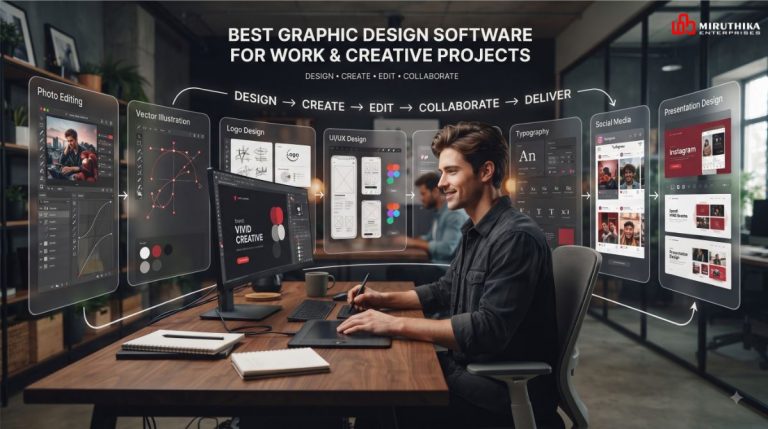
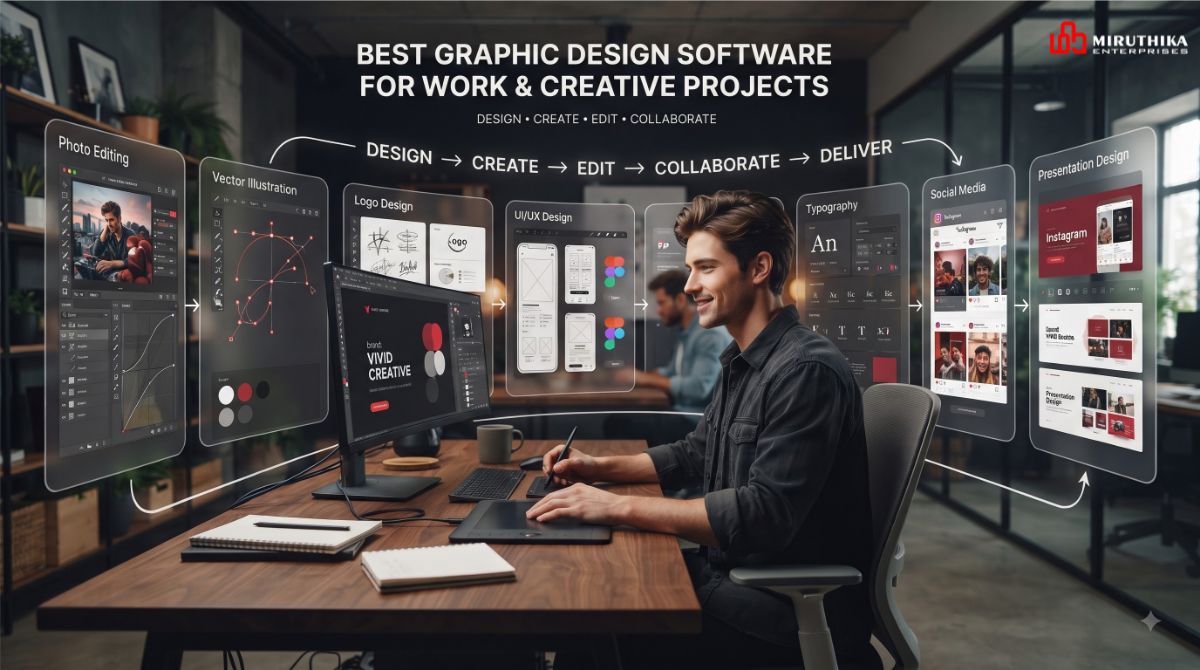
Graphic design has become an important part of modern business, marketing, branding, social media, websites, presentations, and content creation. Whether you are designing a company logo, creating social media posts, preparing marketing materials, or building professional presentations, the right graphic design software can make the process faster and more efficient.
With so many design tools available today, choosing the right software can be challenging. Some platforms are designed for professional graphic designers, while others focus on simplicity, collaboration, or quick content creation.
This guide explores some of the best graphic design software for work and creative projects, their key features, common use cases, and how to choose the right tool for your needs.
What Is Graphic Design Software?
Graphic design software is a digital tool used to create, edit, and organize visual content. Designers can use these applications to work with images, illustrations, typography, layouts, graphics, and other visual elements.
Depending on the software, users can create:
- Logos and brand identities
- Social media graphics
- Website graphics
- Advertisements
- Brochures and flyers
- Presentations
- Posters
- Illustrations
- Product designs
- Marketing materials
- Digital artwork
The best software depends on the type of project, your design experience, and the features you need.
Why Choosing the Right Graphic Design Software Matters
The right design software can improve both creativity and productivity.
Faster Design Workflow
Professional tools provide features such as templates, layers, reusable components, shortcuts, and automated workflows that can reduce repetitive work.
Better Design Quality
Advanced editing and typography tools allow designers to create polished and consistent visual content.
Improved Brand Consistency
Businesses can maintain consistent colors, fonts, logos, layouts, and other brand elements across different marketing materials.
Easy Collaboration
Many modern design platforms include cloud-based collaboration, allowing teams to review, edit, comment, and share designs.
Flexible Creative Projects
From simple social media graphics to complex illustrations, different software options provide tools for different creative requirements.
Best Graphic Design Software for Work and Creative Projects
There is no single software that is perfect for every designer. The following tools are commonly used for different types of professional and creative work.
Adobe Photoshop
Adobe Photoshop is widely used for image editing, digital artwork, photo manipulation, marketing graphics, and creative compositions.
It provides extensive tools for working with layers, masks, filters, typography, selections, and image adjustments.
Common Uses
- Photo editing
- Social media graphics
- Advertising creatives
- Website images
- Digital artwork
- Image manipulation
- Marketing materials
Photoshop is particularly useful when a project involves detailed image editing or combining multiple visual elements into one composition.
Adobe Illustrator
Adobe Illustrator is designed primarily for vector-based graphic design. It is commonly used for logos, icons, illustrations, typography, and scalable graphics.
Vector graphics can be resized without losing their quality, making Illustrator useful for branding and print design.
Common Uses
- Logo design
- Brand identity
- Icons
- Illustrations
- Typography
- Packaging graphics
- Marketing materials
For businesses working on professional branding, vector-based design can be particularly valuable.
Canva
Canva is a user-friendly online design platform that focuses on creating visual content quickly.
It provides templates and design elements that can help beginners and marketing teams create professional-looking graphics without extensive design experience.
Common Uses
- Instagram posts
- Facebook graphics
- Presentations
- Posters
- Flyers
- Blog graphics
- Social media campaigns
- Marketing materials
Canva can be useful for businesses that need to produce a large amount of visual content regularly.
Figma
Figma is a collaborative design platform commonly used for interface design, prototypes, website layouts, and digital products.
One of its important advantages is its collaborative workflow, allowing multiple team members to work on and review designs.
Common Uses
- UI design
- UX design
- Website design
- Mobile app design
- Wireframes
- Prototypes
- Design systems
Figma is especially useful when designers, developers, and other team members need to collaborate during a digital product project.
Affinity Designer
Affinity Designer is a graphic design application that supports vector and raster workflows.
It can be useful for designers working on illustrations, branding, icons, layouts, and other creative projects.
Common Uses
- Vector illustrations
- Logo design
- Branding
- Digital artwork
- Icons
- Print design
It provides an alternative workflow for designers who want professional design capabilities outside of some traditional design ecosystems.
CorelDRAW
CorelDRAW is a graphic design application with a long history in professional design and print-oriented workflows.
It is often used for vector graphics, layouts, illustrations, signs, promotional materials, and print projects.
Common Uses
- Vector design
- Print materials
- Signage
- Illustrations
- Branding
- Marketing materials
It can be particularly useful for projects where vector artwork and print production are important.
How to Choose the Best Graphic Design Software
Choosing software should start with your actual requirements rather than simply selecting the tool with the largest feature list.
Consider Your Design Experience
Beginners may prefer platforms with templates and simple interfaces, while experienced designers may need advanced controls.
For example, template-based platforms can make everyday marketing designs faster, while professional applications provide more control over individual design elements.
Consider Your Project Type
Different projects require different tools.
For example:
- Photo editing: Photoshop
- Logo and vector design: Illustrator or Affinity Designer
- Social media graphics: Canva
- UI/UX design: Figma
- Print and vector projects: CorelDRAW or Illustrator
The choice should depend on what you create most frequently.
Consider Collaboration Requirements
If several people need to work on the same project, collaboration features can be important.
Cloud-based tools can make it easier to share files, collect feedback, and maintain a central design workflow.
Check File Format Support
Before selecting software, check whether it supports the file formats required for your projects.
Common formats include:
- PNG
- JPG/JPEG
- SVG
- PSD
- AI
- EPS
Compatibility becomes especially important when designs need to move between designers, developers, printers, and marketing teams.
Consider Performance and Hardware
Advanced design applications can require significant system resources.
Before installing professional software, check the recommended operating system, RAM, processor, graphics capabilities, and storage requirements.
Consider Pricing
Design software can have different pricing models, including subscriptions, one-time purchases, free plans, and paid upgrades.
Instead of choosing based only on price, consider how frequently you will use the software and whether its features match your workflow.
Graphic Design Software for Different Professionals
Different professionals may need different design workflows.
For Graphic Designers
Professional graphic designers may require advanced vector, image-editing, typography, and layout capabilities.
Software such as Photoshop, Illustrator, Affinity Designer, and CorelDRAW can support different professional workflows.
For Digital Marketers
Digital marketers frequently need social media posts, advertisements, banners, campaign graphics, and promotional content.
A template-based platform such as Canva can be useful for quickly producing marketing visuals, while professional image-editing tools can provide more customization.
For UI/UX Designers
UI/UX designers need tools for wireframes, interface layouts, prototypes, user flows, and design systems.
Figma is commonly suited to these requirements because of its collaborative digital design workflow.
For Small Businesses
Small businesses often need to create social media graphics, promotional banners, presentations, brochures, and simple marketing materials.
A simple design platform can help teams produce these assets without requiring a dedicated full-time designer for every task.
Tips for Using Graphic Design Software Effectively
Having professional software does not automatically create a strong design. The way the tool is used also matters.
Maintain Consistent Branding
Use consistent colors, typography, imagery, and logo placement across your designs.
Keep Layouts Simple
Avoid filling every available space with text and graphics. Good spacing can make a design easier to understand.
Use High-Quality Images
Low-resolution images can make professional marketing materials look less polished.
Organize Your Files
Use clear file names, folders, layers, and versions so projects remain easy to manage.
Create Reusable Templates
For recurring social media posts or marketing campaigns, reusable templates can save significant time.
Learn Keyboard Shortcuts
Keyboard shortcuts can speed up repetitive design tasks and improve workflow efficiency.
Common Mistakes When Choosing Design Software
Choosing Software Only Because It Is Popular
A popular tool may not necessarily match your specific requirements.
Ignoring Your Project Requirements
Before choosing software, identify whether you need photo editing, vector design, UI design, presentation design, or social media content creation.
Using Too Many Tools
Using multiple platforms for every small task can make file management complicated. It can be more efficient to have a primary tool and a few supporting applications.
Not Considering Collaboration
If you work with a team, developers, clients, or marketing professionals, collaboration and file-sharing features can become important.
How Businesses Can Use Graphic Design Software
Businesses can use graphic design software across different departments.
Branding
Create logos, brand guidelines, business cards, packaging, and other identity materials.
Digital Marketing
Develop social media posts, advertisements, banners, email graphics, and campaign creatives.
Website Design
Create website graphics, interface layouts, icons, banners, and visual assets.
Content Marketing
Design blog graphics, infographics, downloadable guides, and promotional visuals.
Presentations
Create professional presentations for meetings, sales proposals, training, and business communication.
Final Thoughts
The best graphic design software for work and creative projects depends on your specific goals, experience, budget, and workflow.
Photoshop can support detailed image editing, Illustrator is useful for vector and branding work, Canva focuses on accessible content creation, Figma supports collaborative digital product design, and other professional applications can serve specialized creative and print workflows.
About the Author